

- News
- New
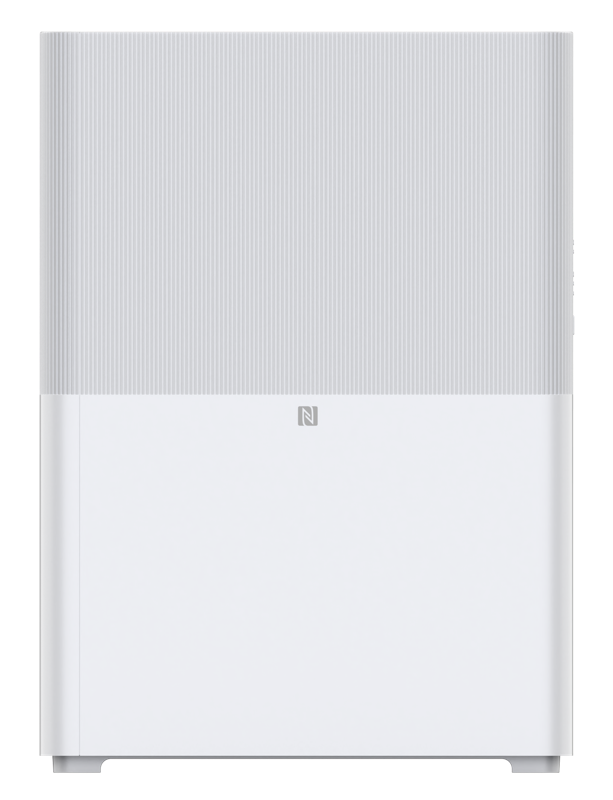
ZTE G5TS Pro (MC8500)
5G SA/NSA, 4G LTE, Wi-Fi 6 (AX1500) · up to 2.86 Gbps · up to 64 Wi-Fi devices · 4 × 1GE ports · NFC, Mesh
Learn more Home internet5G
Easy installation. Turn it on and it works

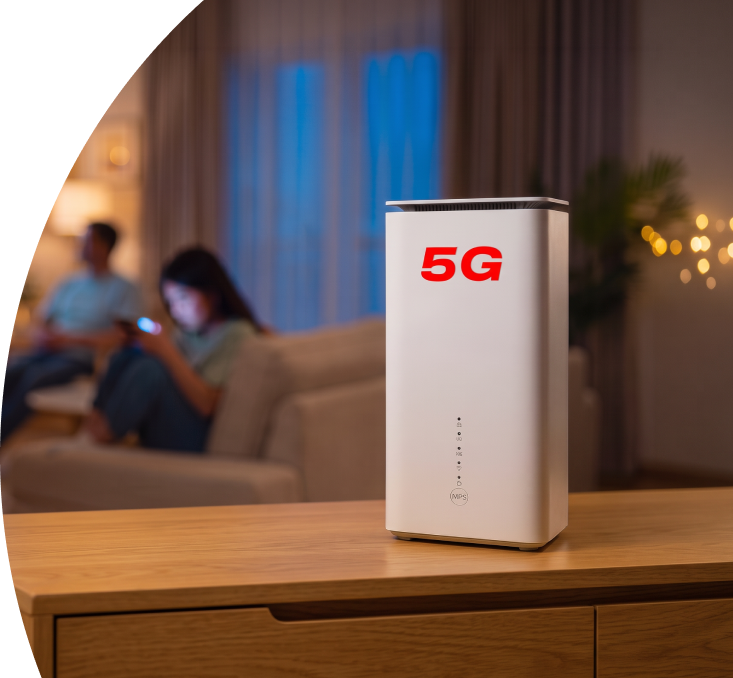
The 5G Standalone network is growing — check whether it is available at your address.
The list of tested models will be expanded as the network grows.
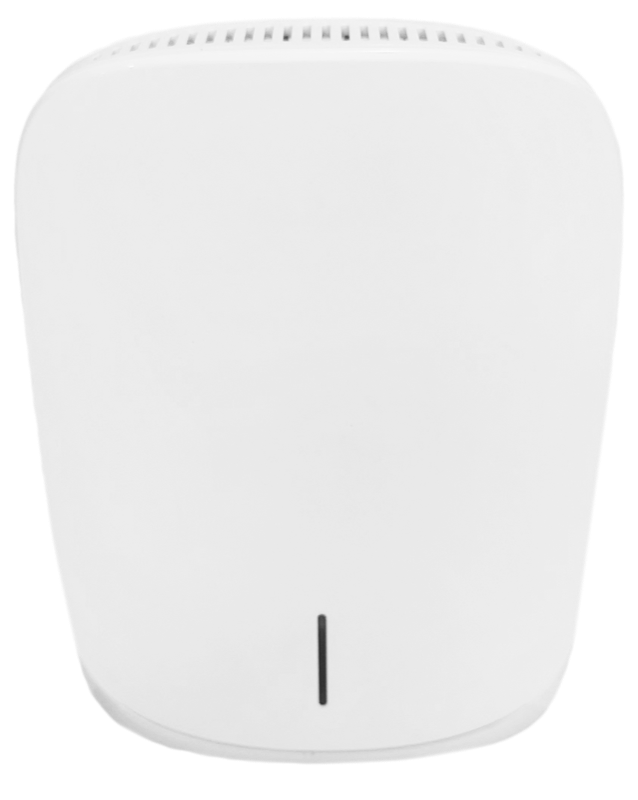
It is home internet that runs over the 5G Standalone network, with no cable or fiber laid to your apartment. A 5G router receives the signal and shares the internet with your devices over Wi-Fi and cable. The technology is called FWA (Fixed Wireless Access).
Perfectum built the first 5G Standalone (5G SA) network in Central Asia. In most countries 5G was first launched in NSA (Non-Standalone) mode, where 5G runs on top of a 4G network. The Perfectum network runs on its own 5G Core and does not depend on 4G. For home internet this means higher speed, lower latency and a more stable connection.
Wired internet needs a physical cable to the premises and usually a visit from installers. Perfectum wireless internet is connected in a few minutes — you just set up the router within the coverage area. This is convenient where there are no wired networks, in rented housing, or when you need internet quickly. At the same time, wireless internet speed depends on signal strength and network load.
The service is convenient:
The signal is usually better near a window and at a higher spot, away from thick walls, metal surfaces and other sources of interference. If the signal is weak in one place, try moving the router — even moving it a little closer to a window can noticeably improve the speed.